Talking to Maggie
Overview
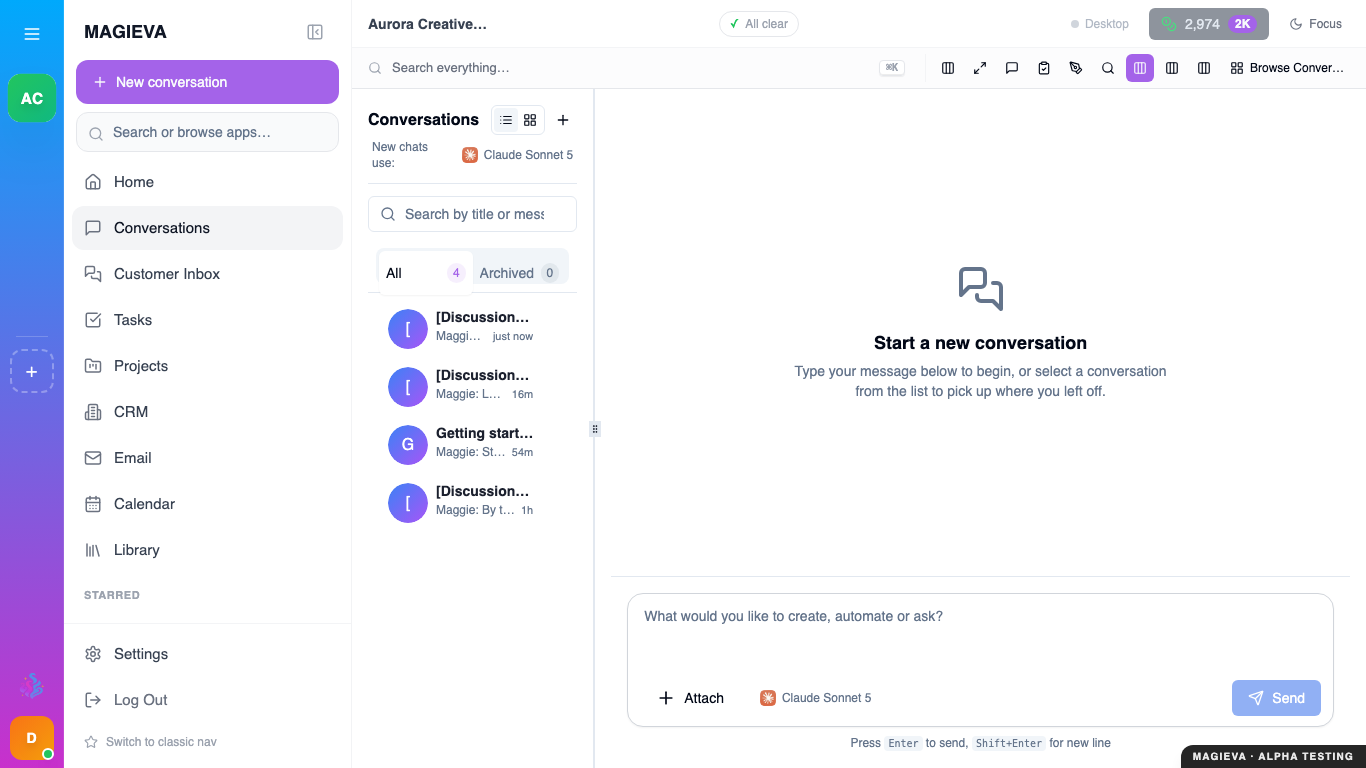
Captured 2026-09-14 on staging.magieva.com at /conversations, 1366×768, in the documentation organization.
Maggie is the companion at the centre of Magieva. This tutorial covers what she can do beyond answering questions, and how to ask so that you get the result you wanted the first time.
Work through it in a real conversation — the examples are meant to be typed.
Step 1 — Ask for an outcome, not a document
Maggie is not only a writing tool. She can act inside your organization: create things, look things up, and run work that takes minutes rather than seconds.
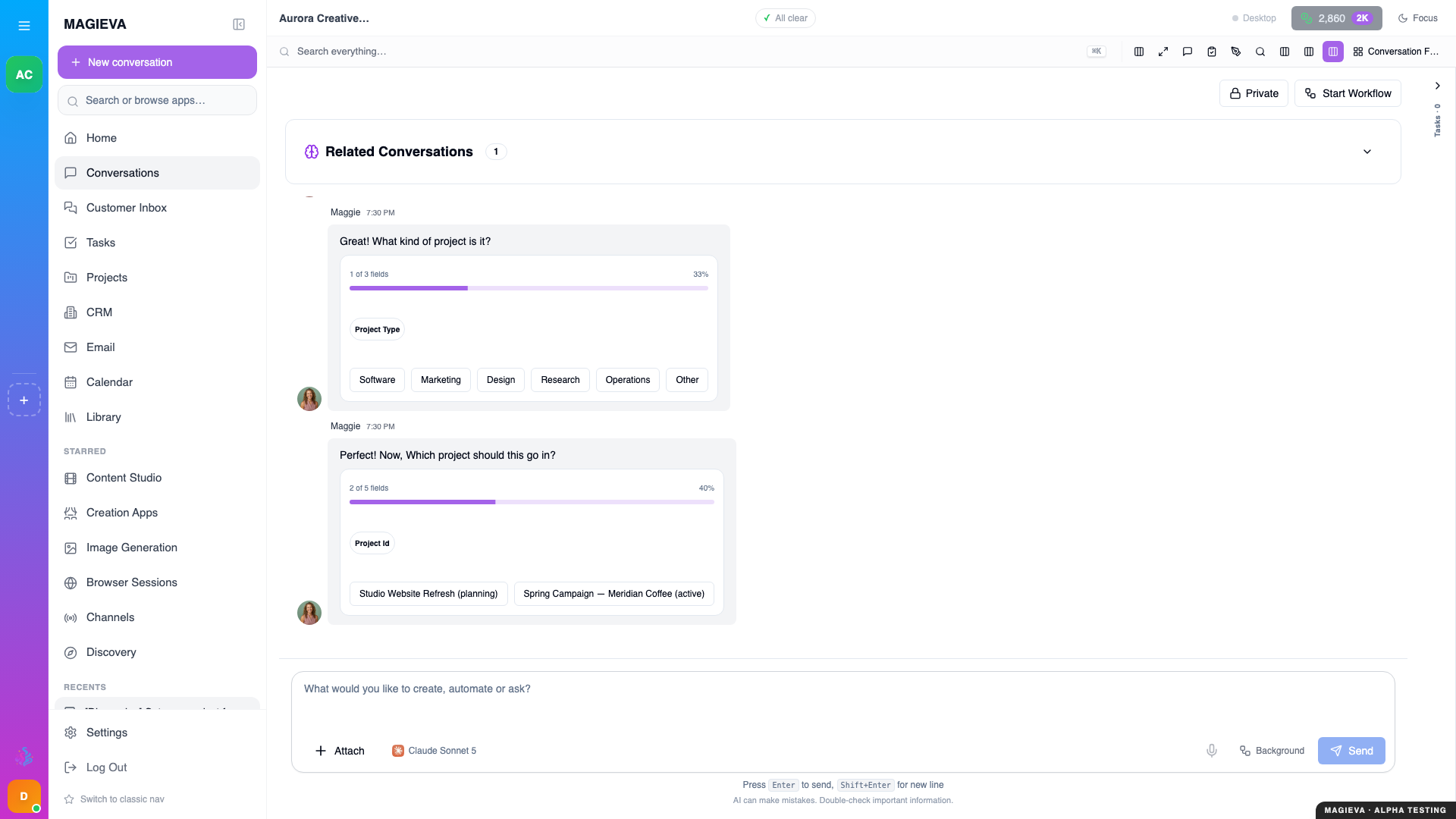
Captured 2026-09-14 on staging.magieva.com at /home, 1920×1080, in the documentation organization.
Compare these two requests:
Write me a project plan template.
Set up a project for the Q3 website refresh, with tasks for design, copy, and launch, and assign the copy work to me.
The first gets you text. The second gets you a project that actually exists, which you can open in Projects the moment she is done.
She does not guess at what she was not told. Before creating anything she asks, in the conversation, for the things she needs — here the kind of project, and which project the new tasks belong to — as options you can click. Answer them and the work proceeds; leave them and nothing is created.
Lead with the outcome you want in the product, and she will do the work rather than describe it.
Step 2 — Notice when she starts a task
Short requests get answered in the conversation. Anything substantial becomes a task that runs in the background.
Ask for something with real depth:
Go through our last quarter's support emails and tell me the three complaints that came up most.
You will see the work appear in the activity indicator at the top of the screen. Click it, or open Tasks, to watch the phases progress. You can keep talking to Maggie while it runs.
This split matters when you are planning your time: if you need an answer in the next ten seconds, ask a narrow question. If you need real analysis, ask for it properly and come back.
Step 3 — Give her the context she is missing
Maggie can only reason about what she can see. Three things widen that:
- Uploads. Drop a file straight into the conversation, or add it under Resources & Knowledge to make it available everywhere.
- Connected tools. Once your email or calendar is connected, she can read from them. See Connecting your tools.
- Your organization profile. What your company does, who your people are, and what they are called — set under Organization.
If an answer feels generic, it is almost always because one of these three is empty rather than because the question was bad.
Step 4 — Check her sources
When Maggie uses a document or a connected tool, she cites it. Citations appear as cards in the reply that you can click through to the source.
Get in the habit of checking them on anything that matters. A citation card is the difference between an answer you can forward to a client and one you cannot.
If she answers without a citation on a question that clearly needed one, that is your signal that she is reasoning from general knowledge — ask her directly:
Which document did that come from?
Step 5 — Correct her, in the conversation
You do not need to start over when a reply is not right. Tell her what was wrong:
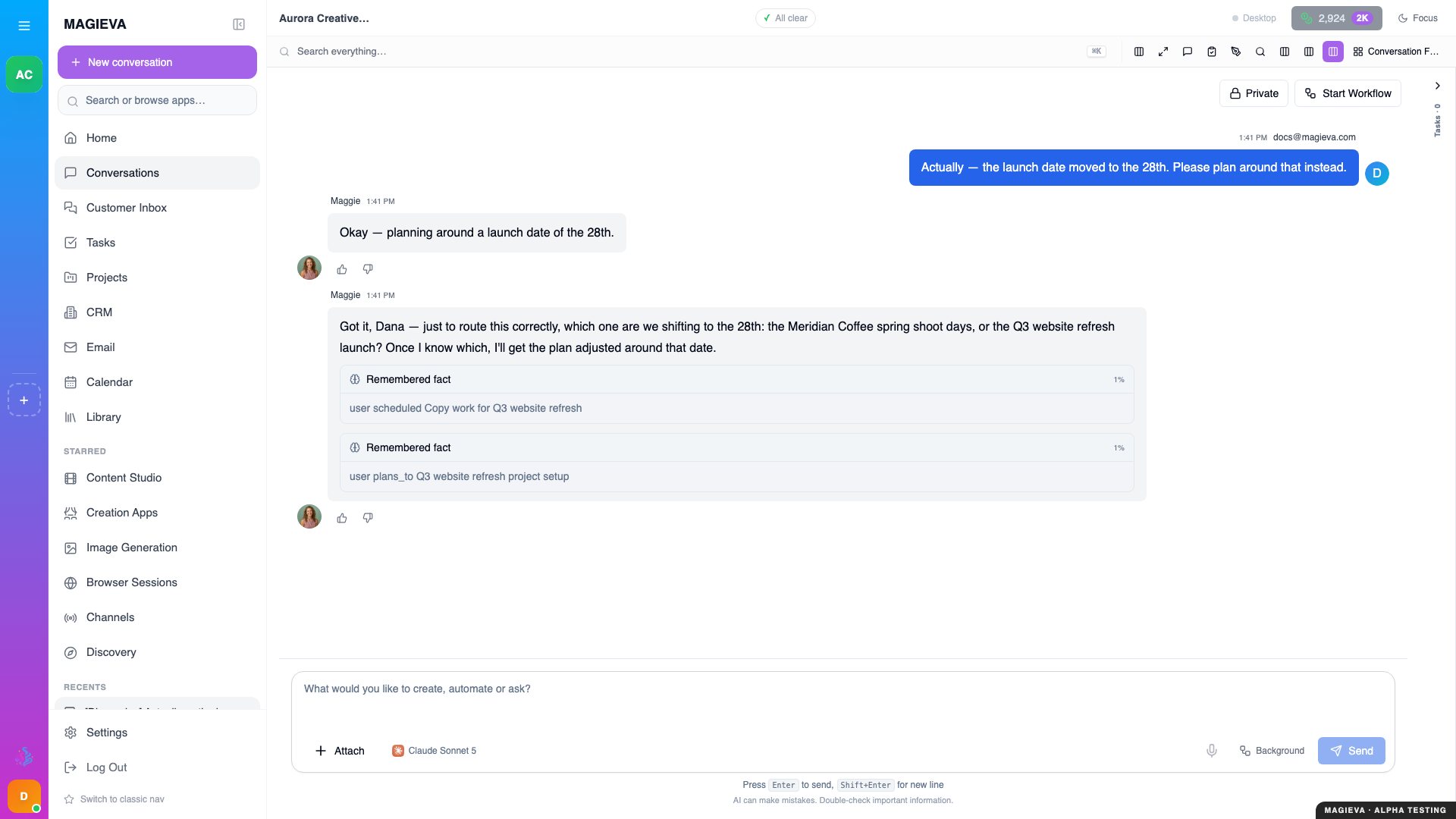
Captured 2026-09-14 on staging.magieva.com at /home, 1920×1080, in the documentation organization.
That is too formal. Rewrite it the way we'd actually email a regular customer.
You used last year's prices. Use the list I uploaded this morning.
She keeps the thread's context, so corrections compound rather than reset. This is usually faster than rewriting the original prompt.
Step 6 — Adjust how she talks to you
If her default register does not suit you, change it rather than fighting it every message. Under Settings → Personality you can tune how she communicates — how much she explains, how formal she is, how much she pushes back. The page asks you to complete the short assessment first; the tuning controls appear once it is done.
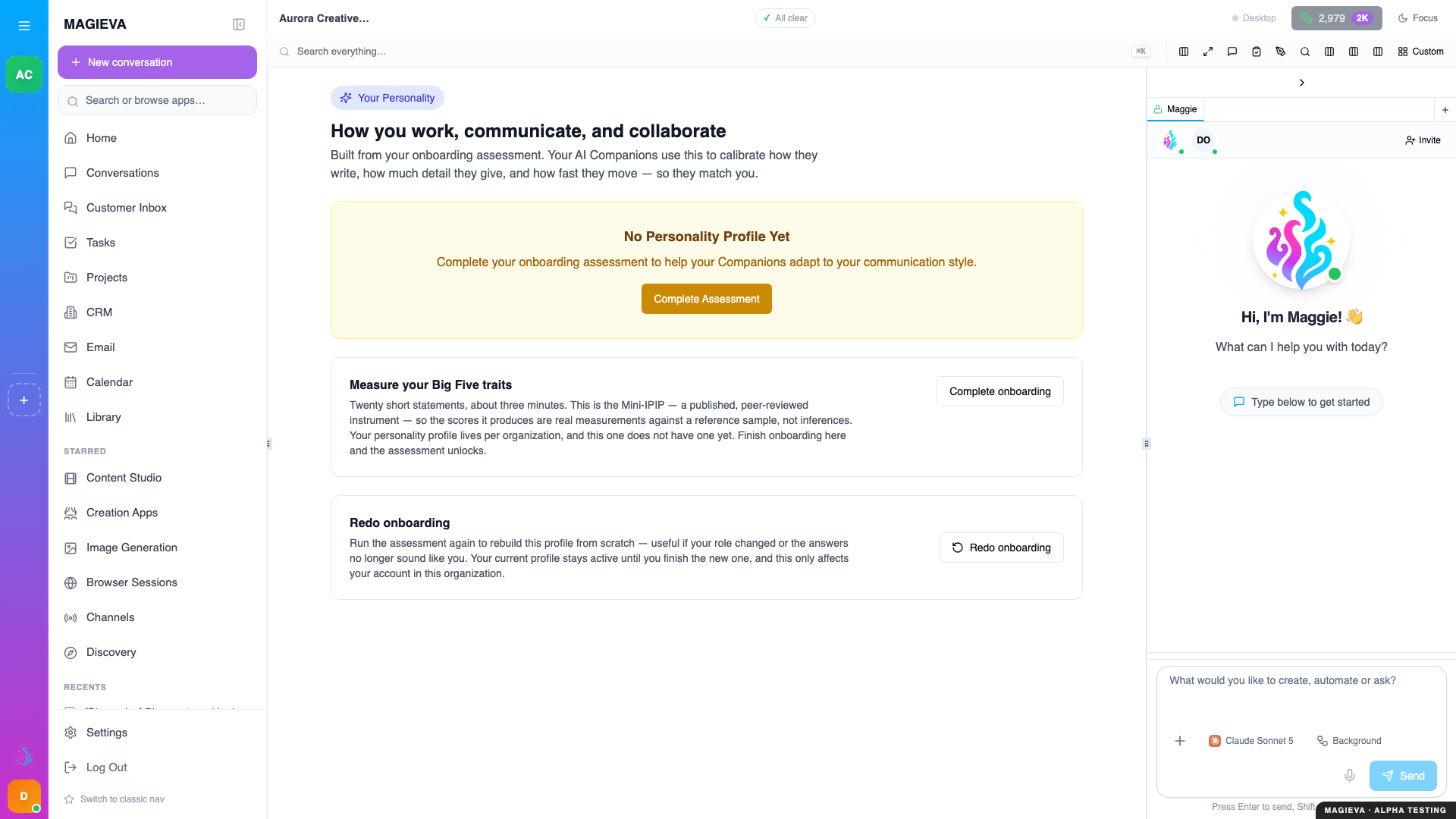
Captured 2026-09-14 on staging.magieva.com at /settings/personality, 1920×1080, in the documentation organization.
Her starting point comes from the short assessment during onboarding, so if that was rushed, this is where to fix it.
Common mistakes
Asking for too many things in one message. She will attempt all of them and do the last one best. Split them.
Assuming she remembers a file you mentioned but never uploaded. She does not.
Treating a task like a chat reply. If it spawned a task, the answer is in Tasks, not in the conversation.
Where to go next
- Projects and tasks — where the work she starts actually lives.
- How Magieva works — why a request sometimes becomes a task.