Choosing and changing your plan
Goal
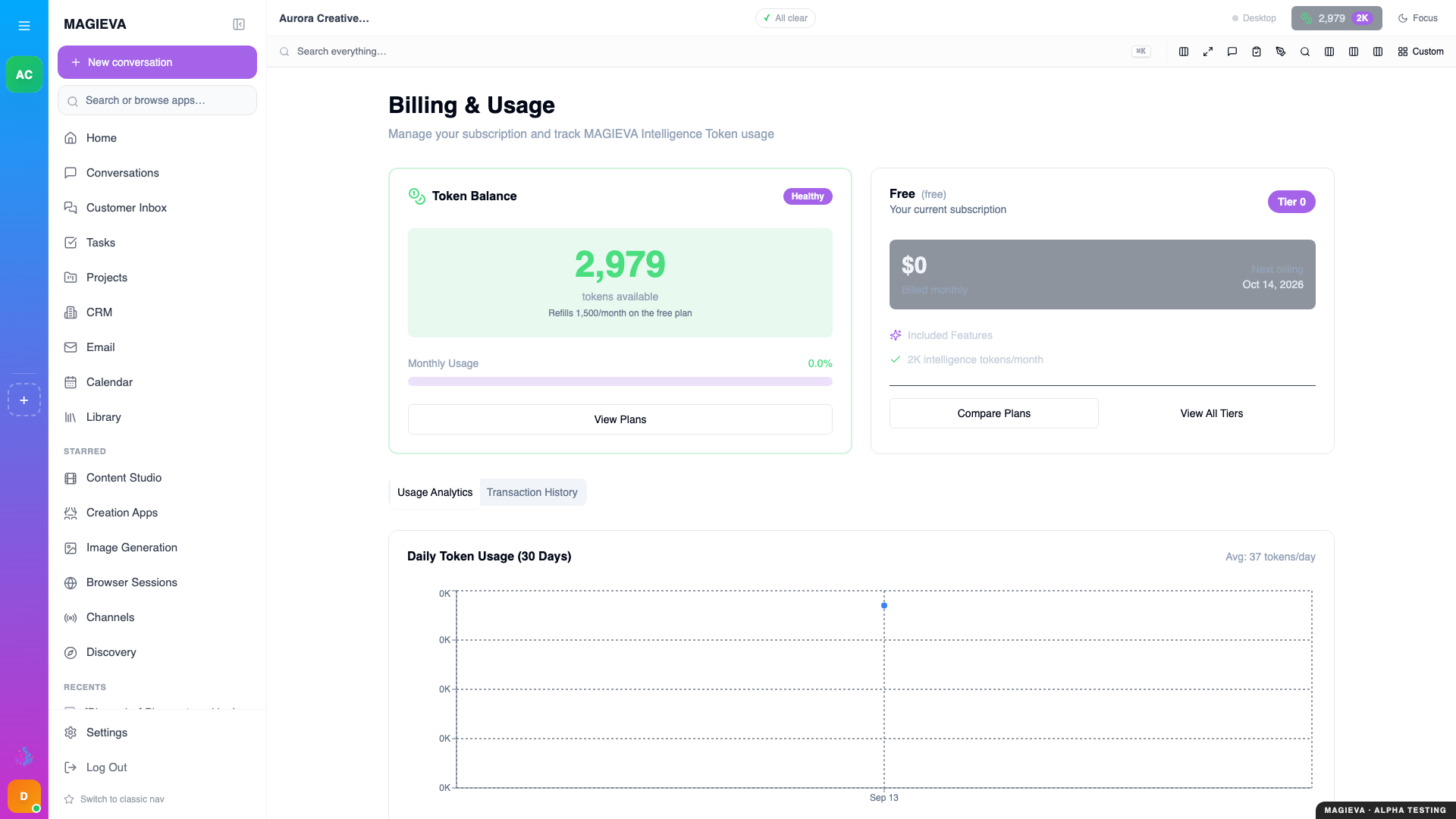
Captured 2026-09-14 on staging.magieva.com at /billing, 1920×1080, in the documentation organization.
New in release 26.37
Live since September 10, 2026. The public pricing page and the plan rules below shipped with this release.
Read the pricing page with confidence, pick the plan that fits, and know exactly what happens when a plan's monthly allowance runs out.
Before you start
- Anyone can read the pricing page. Changing your organization's plan needs billing rights in that organization (Owner, or an Admin with billing access).
- Plans are per organization, not per person. Everyone in the organization shares the plan's Intelligence Token allowance.
How the pricing page is organised
Open Pricing from the public site (or from Billing → Change plan inside the app).
- Monthly / Annual — one switch at the top changes every price shown.
- Self-serve plans — the first row of cards (SoloPreneur, Starter, Professional, Business). You can subscribe to these directly, and the change is live immediately.
- Enterprise plans — the second row (Enterprise, Enterprise Plus, Enterprise Global). These are arranged with sales.
- Every plan gets every feature. What changes between plans is scale: the monthly token allowance, how many companions can work at once, seats, storage and support.
- Further down: a side-by-side comparison table, add-ons, and the bring-your-own-hardware section for organizations that want to run some AI work on their own machines at a reduced token rate.
Prices are read live from Magieva when the page loads, so what you see is what you will be charged. If the page says Plans are temporarily unavailable, refresh; nothing is cached from a previous quarter.
The Free plan
New organizations start on the Free plan. It is deliberately not a card on the pricing page — it is where you begin, not something you buy.
Two rules apply to Free and only to Free:
- Free never runs past its balance. Paid plans have a small grace buffer and can continue at their plan's overage rate; Free stops the moment the balance reaches zero. You will see the message "Token balance exhausted. The Free tier cannot run in overage — purchase a token pack or upgrade your plan."
- Nothing runs unattended against an empty balance. Background work — routines, watches, enrichment of your files — pauses at zero rather than accruing a bill.
Top-up packs are available on Free, so you can keep going without changing plan.
Steps — change your plan
- Open Billing.
- Choose Change plan, or Top up if you only need tokens this month.
- For a self-serve plan, confirm the change. Upgrades take effect immediately with prorated billing; downgrades take effect at the end of the current billing period.
- For an Enterprise plan, use Contact sales on the card.
Verify it worked
Billing shows the new plan name and the new monthly allowance. If you upgraded, the extra tokens are already in the balance.
Troubleshooting
| Problem | What to do |
|---|---|
| Plans are temporarily unavailable | Refresh the page. If it persists, contact sales for current pricing. |
| "The Free tier cannot run in overage" | Buy a token pack or move to a paid plan. Work you started resumes once the balance is above zero. |
| A paid plan shows "Monthly token allocation exhausted" | You have used the allowance and the grace buffer. Top up, upgrade, or wait for the monthly reset. |
| I changed plan but the allowance did not change | Downgrades apply at the end of the period; the current allowance stays until then. |
Related
- Understanding Intelligence Tokens
- Your organization and its people