Understanding Intelligence Tokens
Overview
Intelligence Tokens are how Magieva meters AI work. This tutorial shows where to find your balance, how to read what consumed it, and how to keep an organization from running dry mid-week.
Step 1 — Find your balance
Open Billing. Your organization's Intelligence Token balance is shown there, along with your current plan.
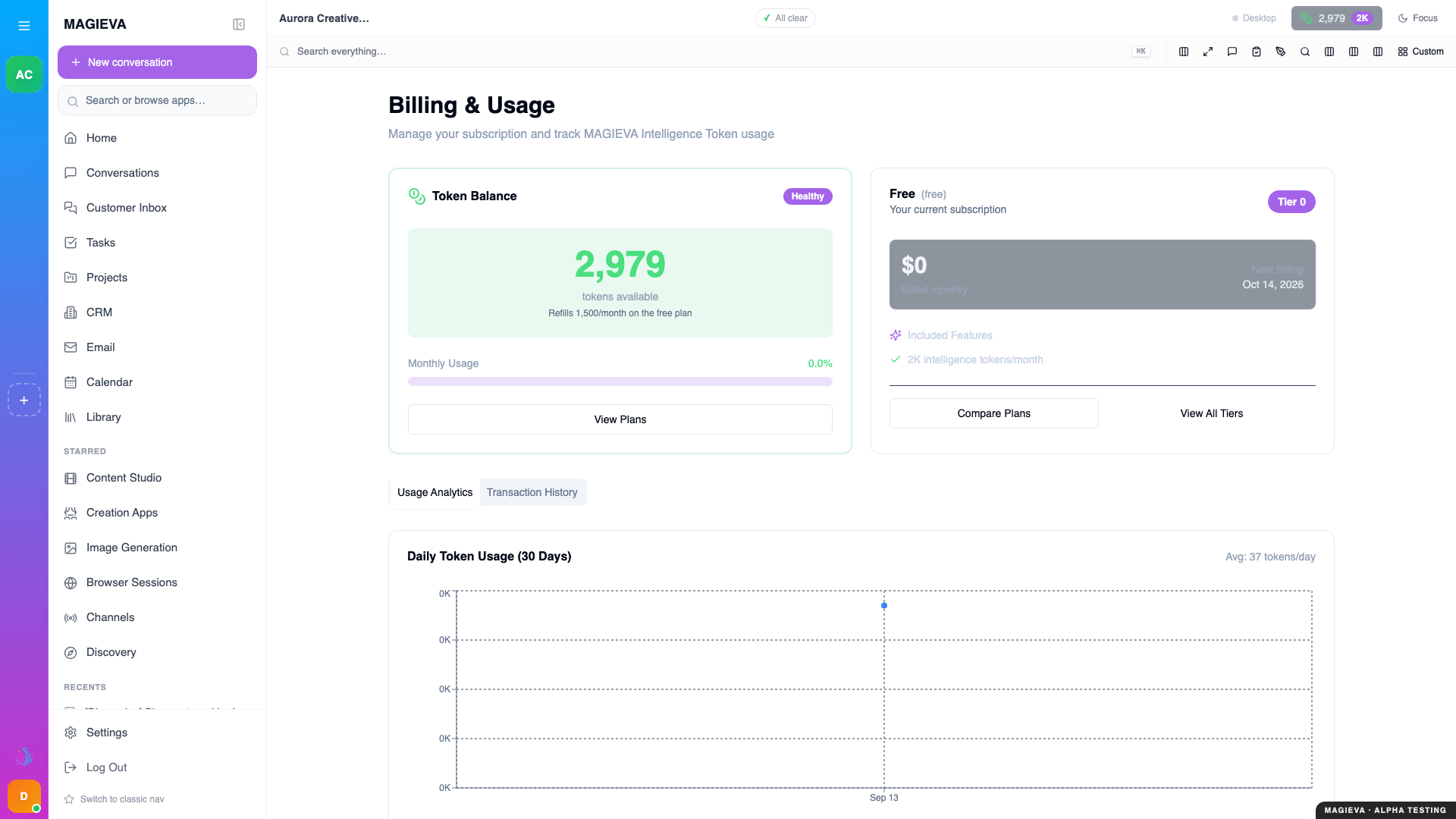
Captured 2026-09-14 on staging.magieva.com at /organization/billing, 1920×1080, in the documentation organization.
Tokens belong to the organization, not to you. Everyone in the organization draws from the same balance, which is why the usage view in the next step matters more than it first appears.
Step 2 — See what used them
The same area shows usage over time. Read it before you decide you need more tokens — the answer is often that one repeated workflow is disproportionately expensive, not that your allowance is too small.
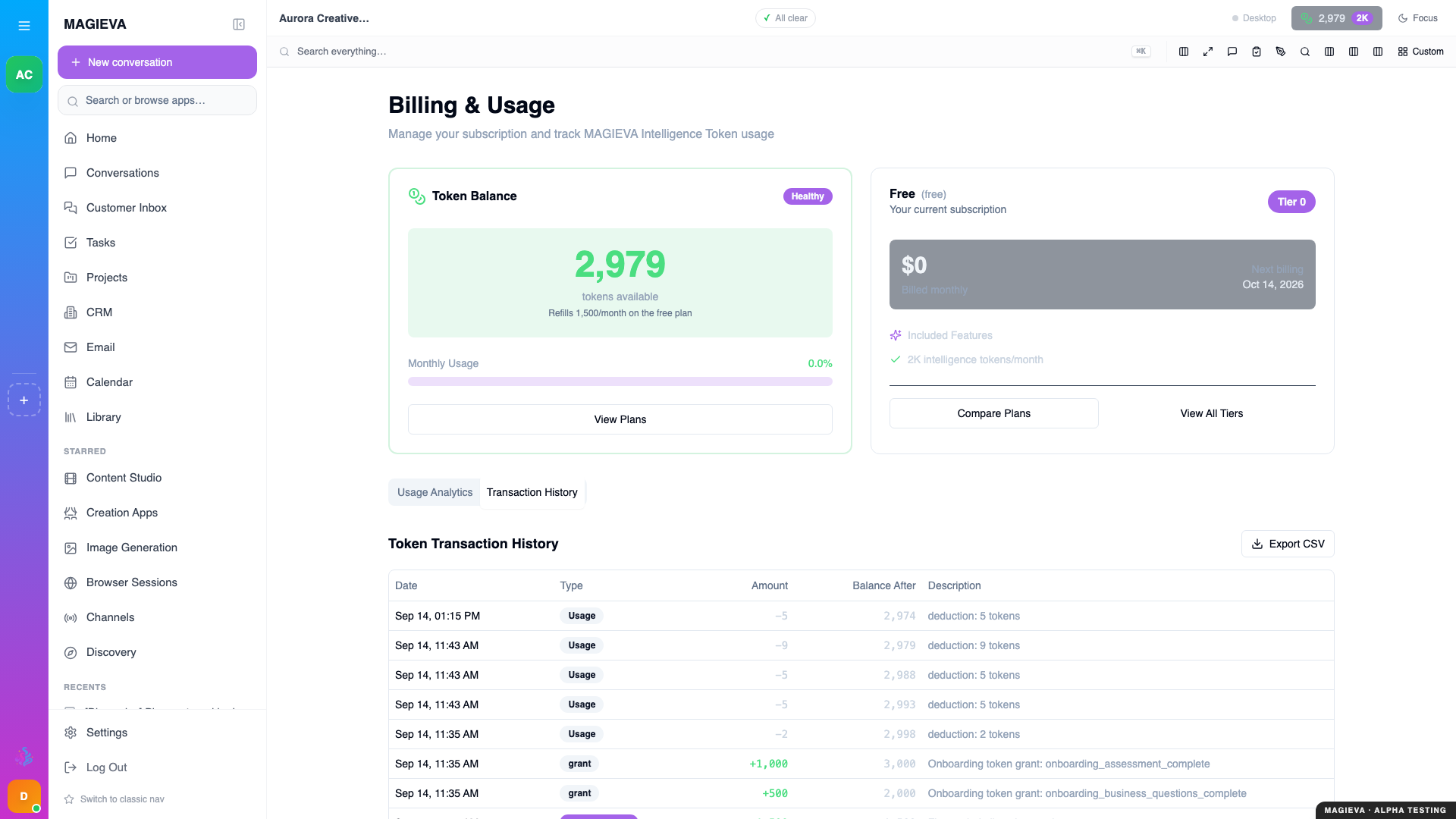
Captured 2026-09-14 on staging.magieva.com at /organization/billing, 1920×1080, in the documentation organization.
Two patterns are worth looking for:
- A single heavy task type running far more often than anyone realised.
- Retries — work that failed and was automatically attempted again.
Step 3 — Understand what costs what
Not all requests cost the same. Broadly:
- A short chat reply is cheap.
- A long analysis over many documents is more expensive, because there is more to read.
- Research costs in proportion to its depth — you choose Quick, Standard or Deep, and see the estimate, before it runs.
- Generating images, video, or audio costs considerably more than text.
- Voice — speaking to Maggie and hearing her reply, in the browser, on the desktop app or on a phone call — is metered for the listening and the speaking.
Magieva estimates the cost of a request before running it and checks you have the balance for it. If you do not, the request is refused up front rather than failing halfway through and consuming tokens for nothing.
Step 4 — Top up or change plan
Two ways to add capacity:
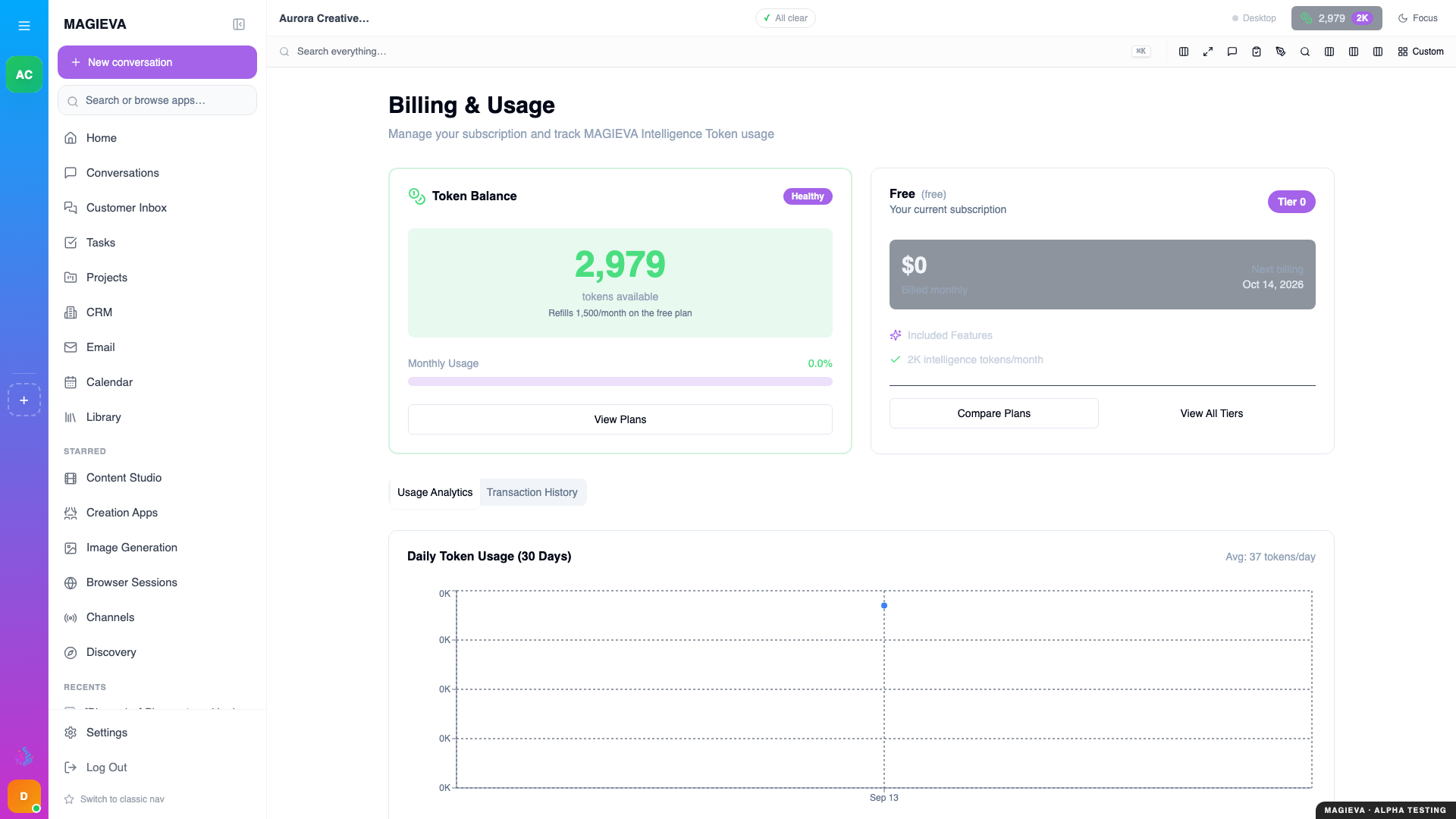
Captured 2026-09-14 on staging.magieva.com at /organization/billing, 1920×1080, in the documentation organization.
- Top up — a one-off purchase, added to your balance immediately. Right when you have an unusual month. Top-up tokens do not expire and are used only after the monthly allowance.
- Change plan — a different recurring allowance. Right when the unusual month turns out to be every month.
Both are under Billing. Adding tokens needs billing rights in the organization. How the plans compare is in Choosing and changing your plan.
Step 5 — Avoid running out
A balance that hits zero stops AI work for everyone in the organization at once, which is a bad way to discover it was low.
Practical habits:
- Check the balance at the same time you check anything else weekly.
- Look at usage after any month where you adopted a new workflow.
- If several people run heavy generation work, agree who does it and when.
- Set the unattended ceiling for routines and watches, so background work has its own, lower cap (see Set up routines and watches).
What happens if you run out
What happens depends on your plan.
- Free never runs past its balance. At zero, requests that need tokens are refused with "Token balance exhausted. The Free tier cannot run in overage — purchase a token pack or upgrade your plan." Nothing is lost or corrupted; work already completed is unaffected; tasks that were mid-flight stop and can be resumed once the balance is restored.
- Paid plans have a small grace buffer past the monthly allowance, and can then continue at the plan's overage rate (shown on the plan card). After the grace buffer, new requests pause until you top up, upgrade, or the month resets.
Top up, and everything resumes.
What changed in release 26.37
New in release 26.37
Live since September 10, 2026. The rules in this section apply from release 26.37 onwards.
- Free never overages. Previously a Free organization could, in some circumstances, be taken below zero by unattended work. It cannot now: Free stops at zero, and routines, watches and file enrichment pause there too.
- More of what you use is now on the bill, where before some of it was
recorded but not charged. You may notice new lines in Usage for:
- companion avatars you generate;
- research, in proportion to the depth you picked;
- voice conversations — speech recognition and spoken replies, including phone calls and the desktop app;
- transcription of audio and video you upload;
- searching your library by meaning (a very small amount per search);
- phone numbers you rent through Magieva: the monthly rental and the per-message and per-call carrier charges, converted to tokens and deducted from the balance of the organization that owns the number.
- Unattended work has its own, lower ceiling. Routines, watches and anything Maggie proposes on her own draw on it; when it is reached they pause while your direct requests carry on.
- The pricing page reads live prices. What it shows is what you are charged.
Frequently asked
Do unused tokens roll over? Monthly allowance tokens reset each month; top-up tokens persist until used. Check the plan details in Billing rather than assuming.
Can I see per-person usage? Usage is reported for the organization. If you need to attribute cost to a team, separate organizations are the cleaner boundary.
I was charged for a task that failed. Work that genuinely failed should not consume tokens. If you believe it did, contact support with the task — refunds are handled deliberately rather than automatically, so that a real error is investigated rather than papered over.
Why did a routine stop with "Over spend ceiling"? It reached the unattended ceiling or its own. Raise the ceiling or wait for the period to reset; nothing was billed past it.
Where to go next
- Choosing and changing your plan — what each plan gives you, and the Free rules.
- Your organization and its people — who can spend and who can top up.
- Choose how deep a research request goes — the estimate before the spend.
- How Maggie chooses a model — why the same question can cost different amounts.