Confirm your organization's why, and set up your daily check-in
Goal
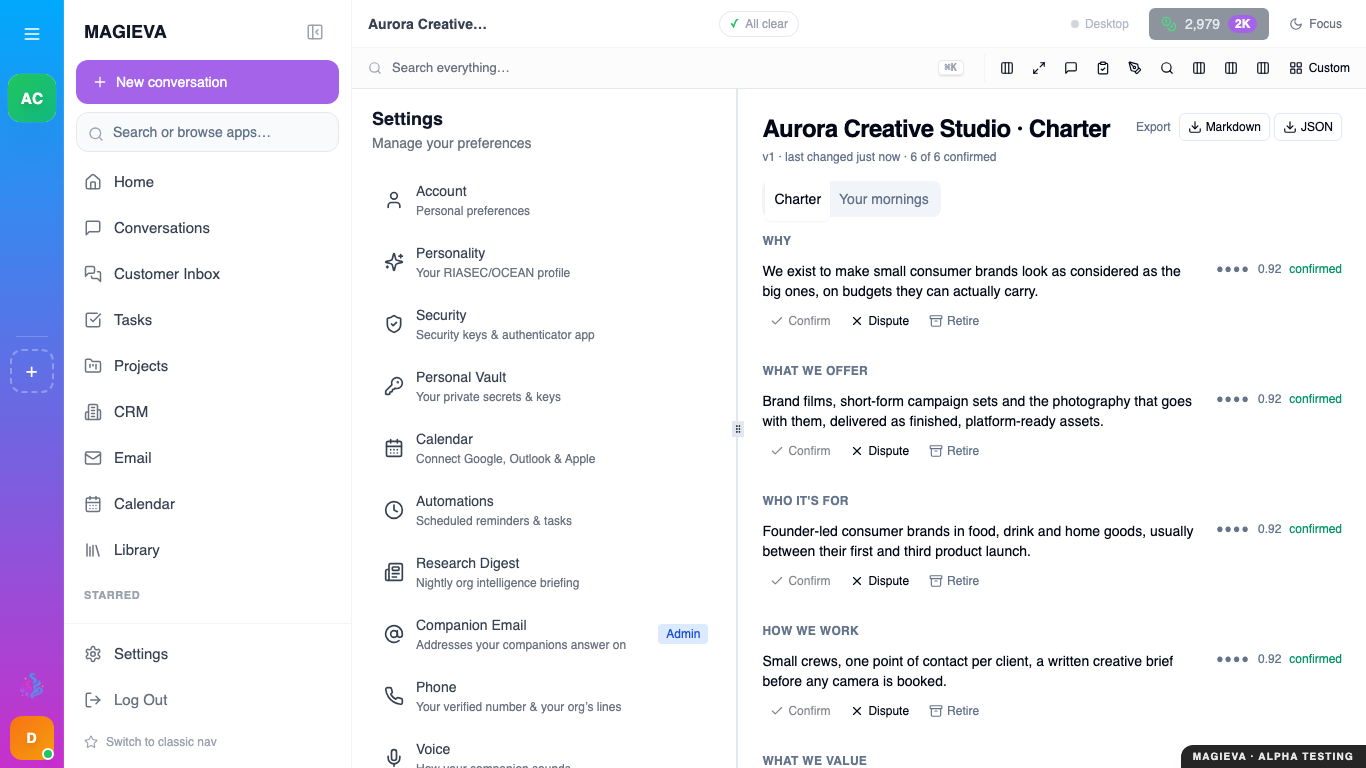
Captured 2026-09-14 on staging.magieva.com at /settings/charter, 1366×768, in the documentation organization.
Live since 2026-09-15
Live in production since release 26.38 was promoted on 2026-09-15 — see A companion that goes first for the reasoning behind this feature.
Review the plain-language statement Maggie drafted about why your organization exists, confirm or correct each line, and set how often her daily check-in reaches you.
Before you start
- Any member can review the statement. Confirming or correcting a line is available to anyone; an administrator can also start it over from scratch.
- Nothing Maggie infers here is treated as true anywhere else in the product until a person confirms it.
Steps
- Open Settings, then Charter.
- Read each section — Why, What we offer, Who it's for, How we work, What we value, Pressures & causes, Goals this quarter. Every line Maggie hasn't confirmed yet is marked (unconfirmed) with a confidence indicator.
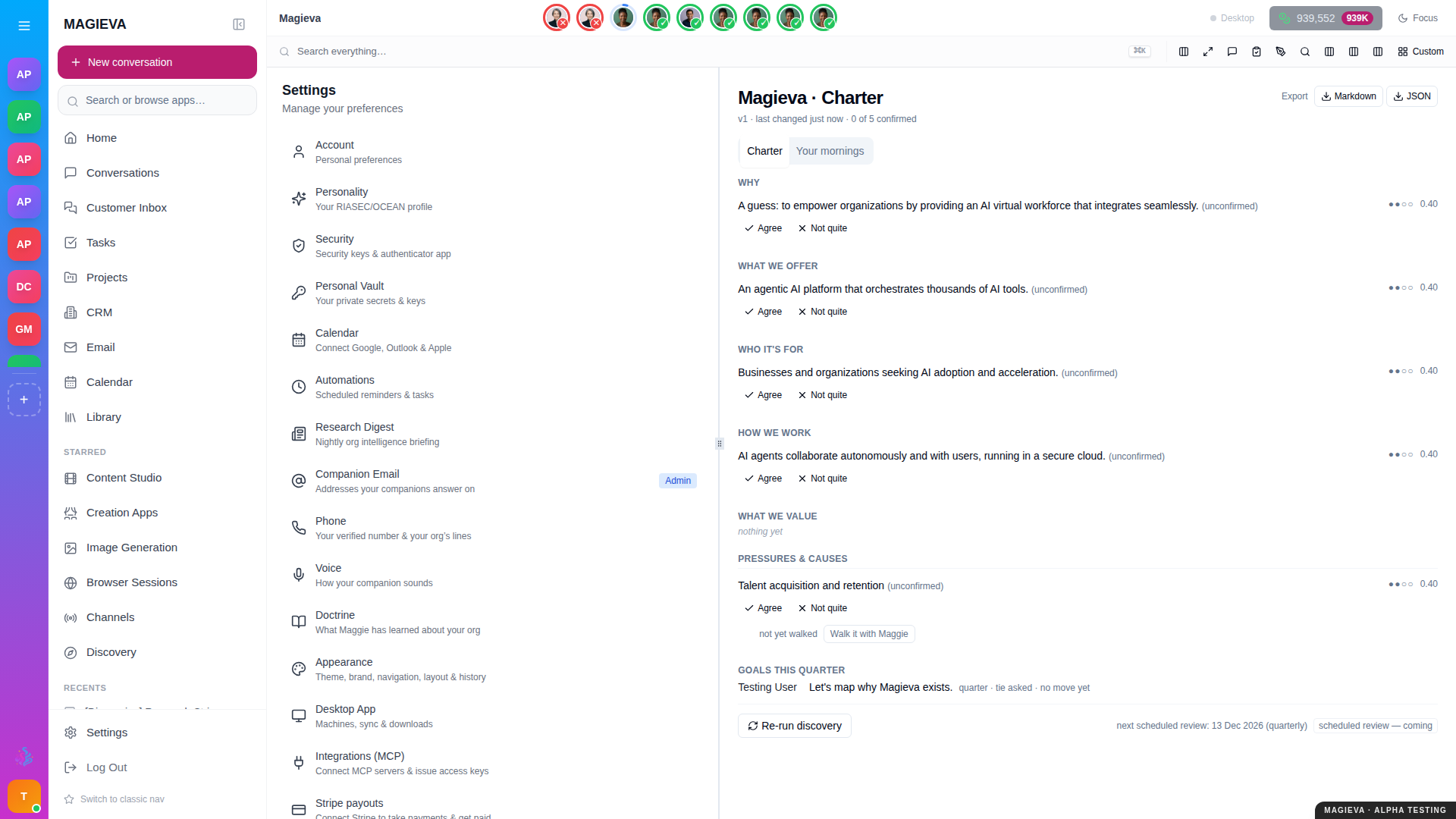
Captured 2026-09-14 in a Magieva sandbox environment at /settings/charter, 1920×1080.
- For each line, choose Agree if it's right, or Not quite to correct it. A line with no evidence yet reads "not yet walked" — choose Walk it with Maggie to answer a couple of short questions instead.
- If you'd rather start over completely, choose Re-run discovery at the bottom of the page.
- Switch to the Your mornings tab to see the daily check-in's cadence — how often it arrives, and around what time.
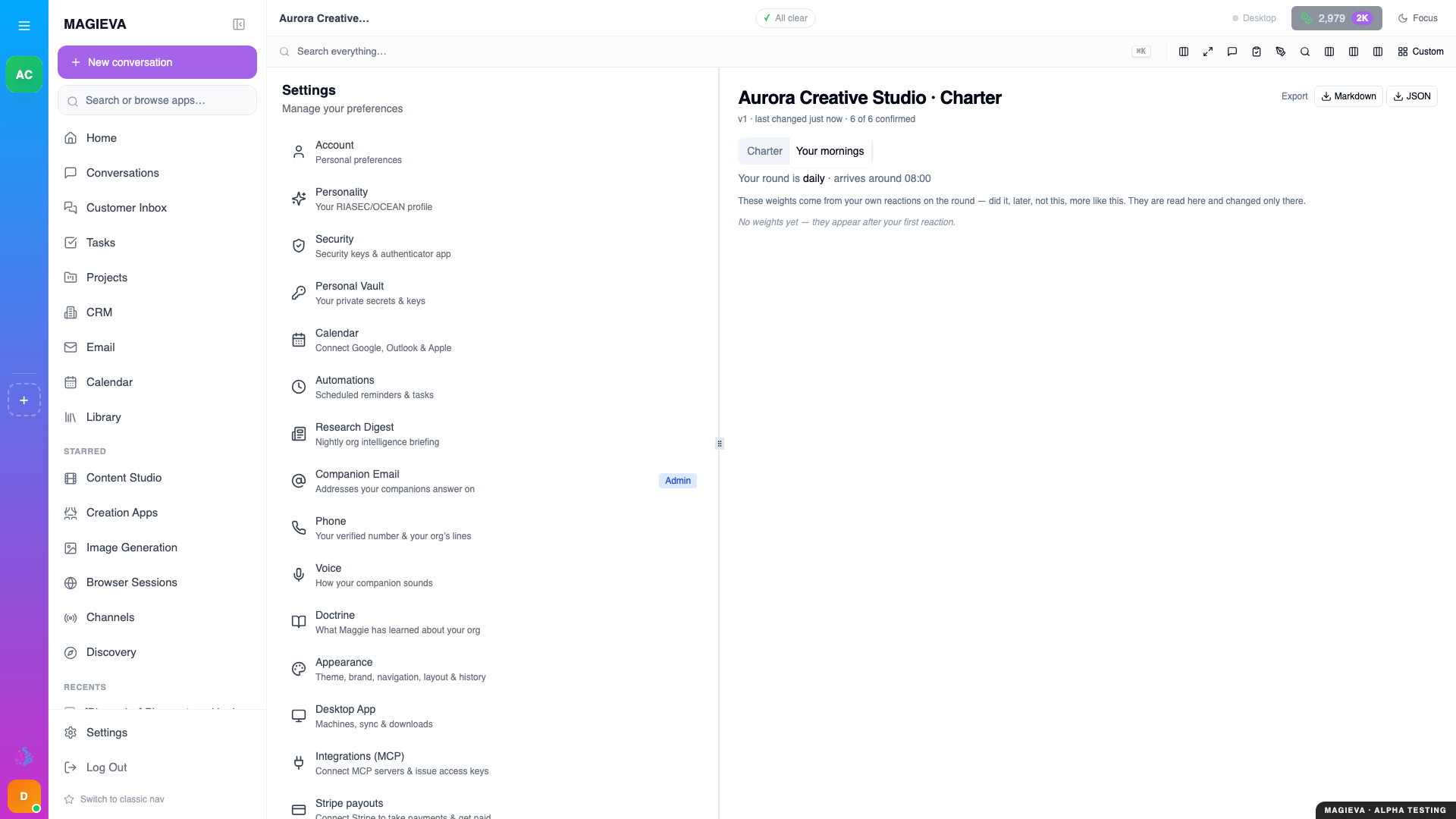
Captured 2026-09-14, /settings/charter → "Your mornings" tab, 1920×1080. A fresh account
with no replies yet — the "no weights yet" line is expected.
Verify it worked
Confirm one line on the Charter tab — its (unconfirmed) tag and Agree / Not quite buttons disappear, and the confidence score rises. The next daily check-in in your conversation list reflects what you confirmed.
Troubleshooting
| Problem | What to do |
|---|---|
| A line is confirmed but clearly wrong | Choose Not quite again — corrections replace the previous answer, they don't just add to it. |
| I don't see a daily check-in yet | It arrives once a day at the time shown under Your mornings; a brand-new organization may not have received its first one. |
| "No weights yet" never changes | Weights appear only after your first reaction to a check-in — react once and check back. |
Related
- A companion that goes first
- Set up routines and watches, with spend limits
- Follow your organization's activity